Back to Integrations
Available
Google Forms Integration
Export your forms directly to Google Forms with all fields, validations, and branching logic preserved.
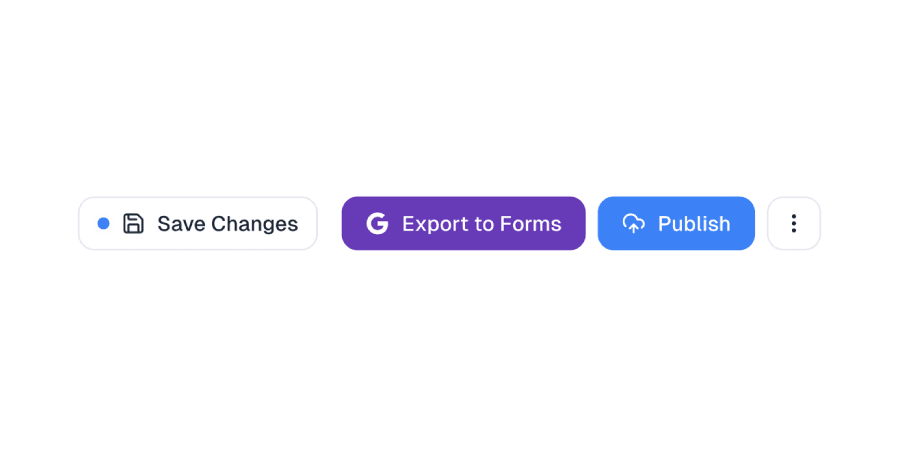
The Google Forms integration allows you to export your forms to Google Forms with a single click.
This integration preserves most field types, validations, and even branching logic.
How it works
When you export a form to Google Forms, our system:
1. Authenticates with your Google account
2. Creates a new Google Form with your form's title and description
3. Maps each form field to the appropriate Google Forms field type
4. Sets up validations and conditional logic where supported
5. Returns a link to your new Google Form
## Supported field types
Most common field types are supported, including:
- Short text
- Long text
- Multiple choice
- Checkboxes
- Dropdown
- Date
- Time
- Email
- Phone number
- Number
Some specialized field types like file upload and signature may be skipped during export.
How to Use the Google Forms Integration
Tutorial Video
Step 1 Image
1Create your form
Design your form using our AI form builder or from scratch.
Step 2 Image
2Click Export
Open the export menu and select Google Forms.
Step 3 Image
3Authenticate
Sign in with your Google account and grant necessary permissions.
Step 4 Image
4Review and share
Review your exported form and share it with respondents.
Ready to Try It?
Export your forms to Google Forms in just a few clicks.